Your Devi. Anywhere.
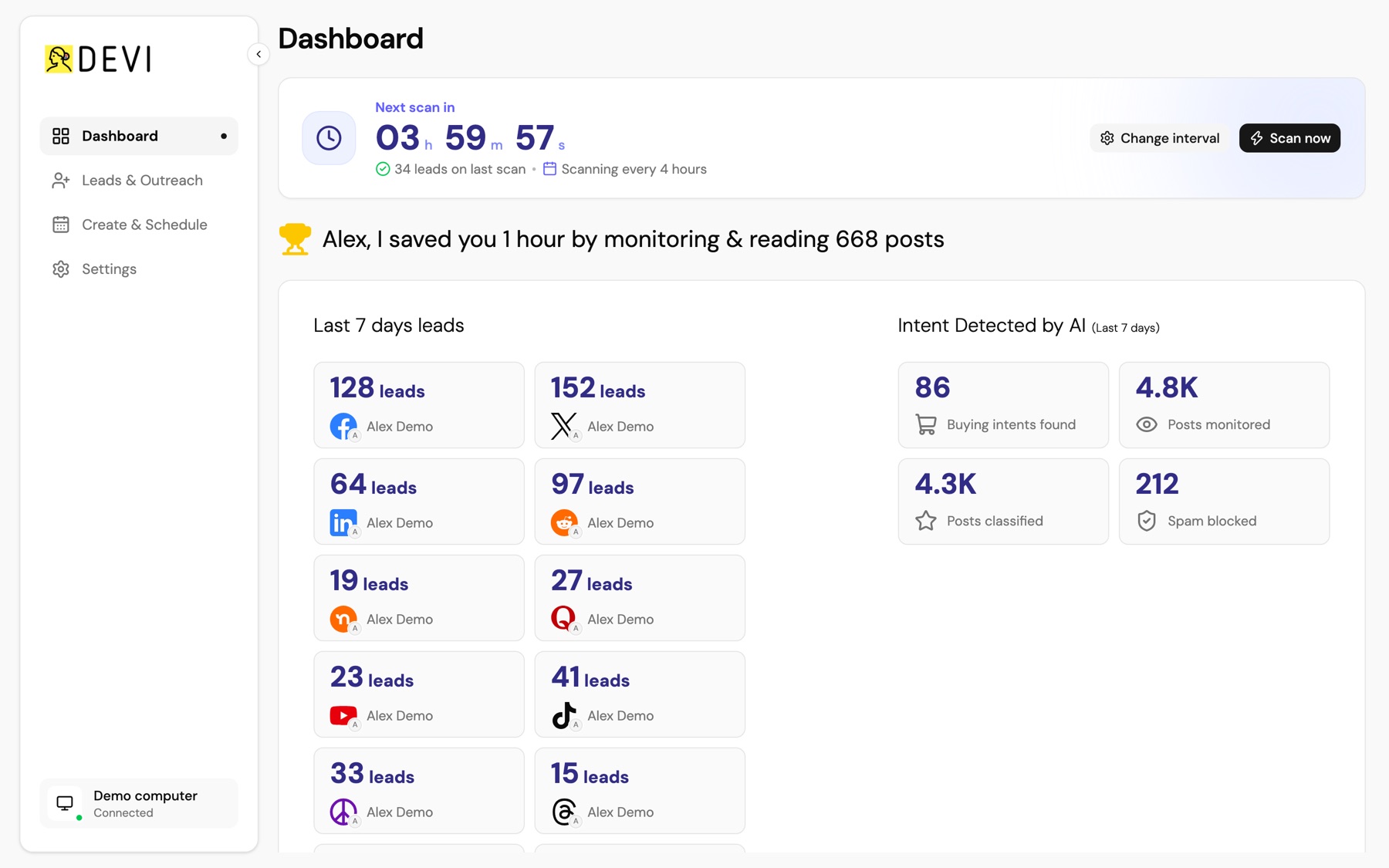
Access Devi from your phone, another computer, or share it with your team.
See leads. Reply. Schedule. Delegate.
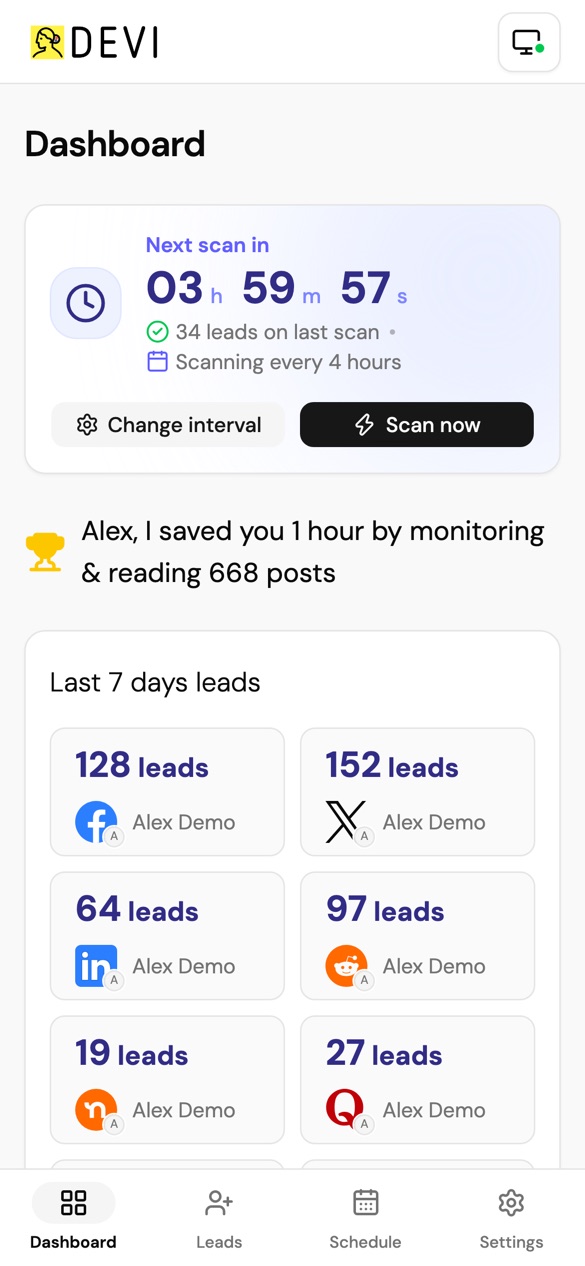
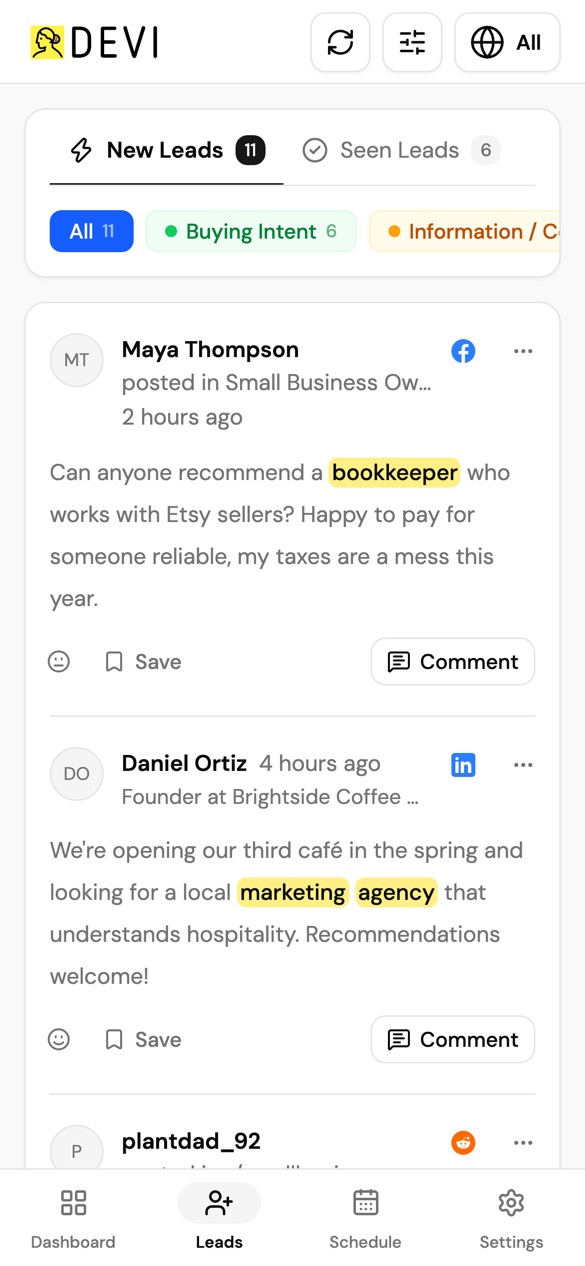
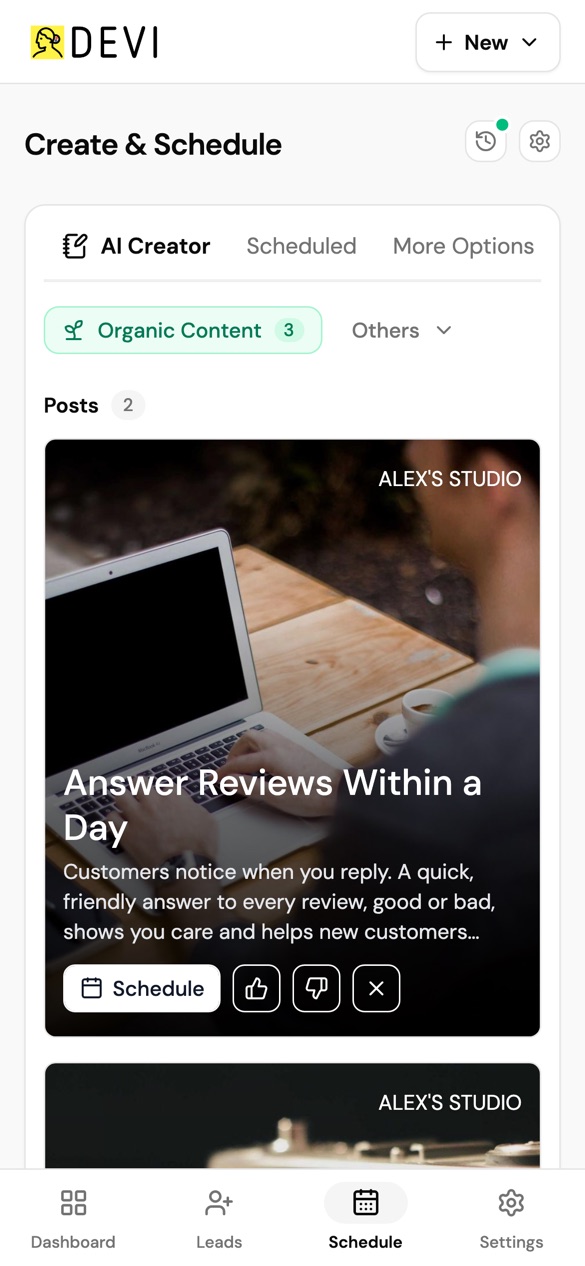
Take Devi with you
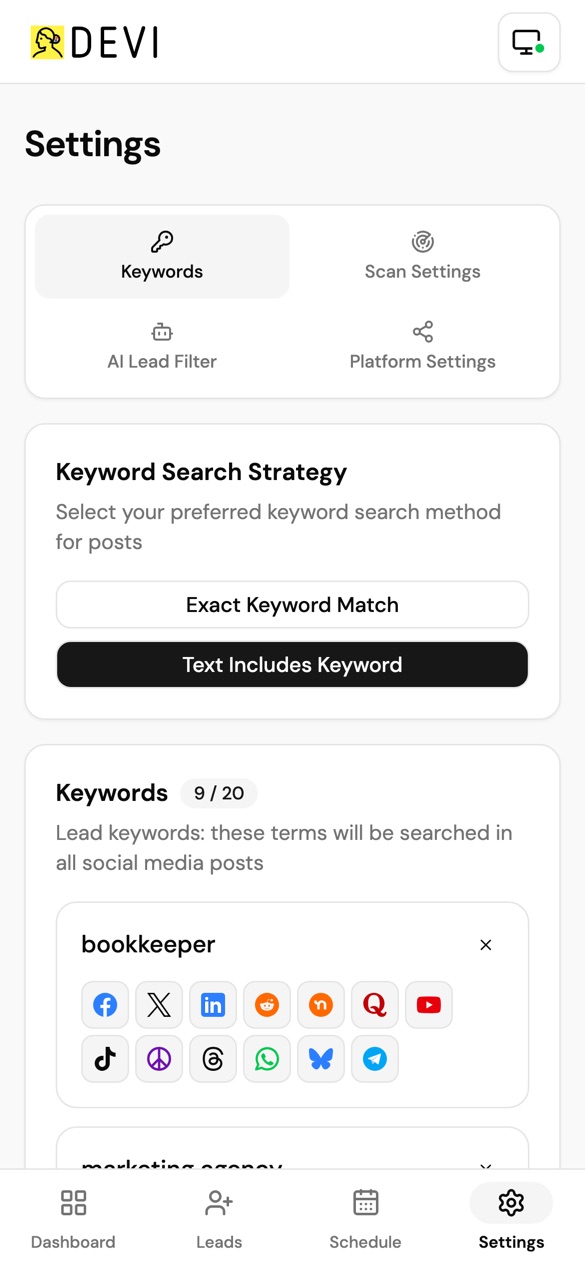
See the leads Devi finds, review conversations, reply and take action from your phone
Your computer does the monitoring. Your phone keeps you connected.
Let your VA handle the work
No social media passwords sharing. No account handover.
They access Devi — not your Facebook, LinkedIn or other social accounts.
You stay in control and can remove access anytime.
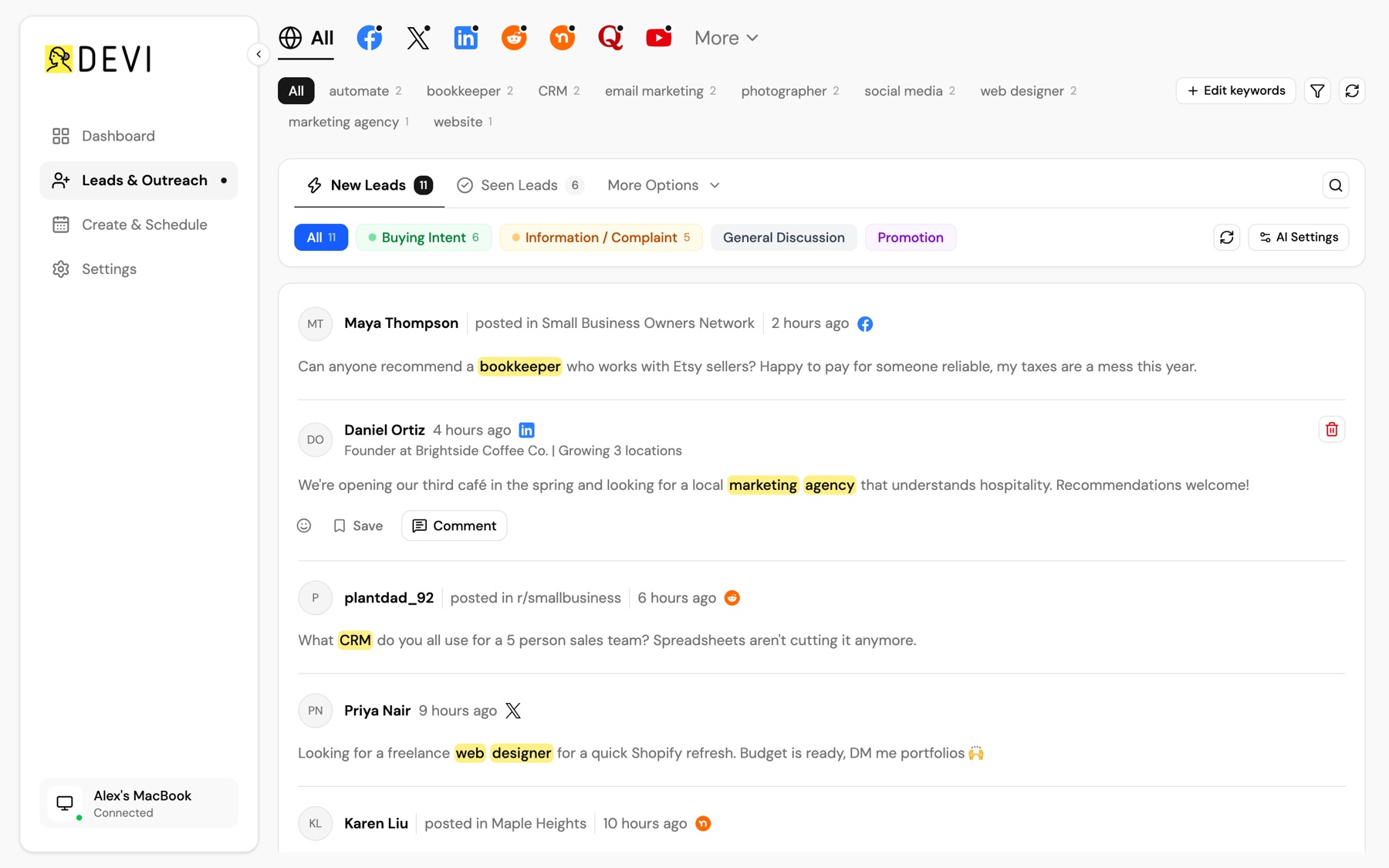
Built for small teams
Give team members access to the Devi running on your computer.
They can help with leads, replies and content while your social accounts stay where they are.
Perfect for agencies
Access a client's Devi remotely without asking for their social media passwords.
Or give clients access to the Devi workspace you manage for them.
Simple access. Clear ownership.
Connect in seconds
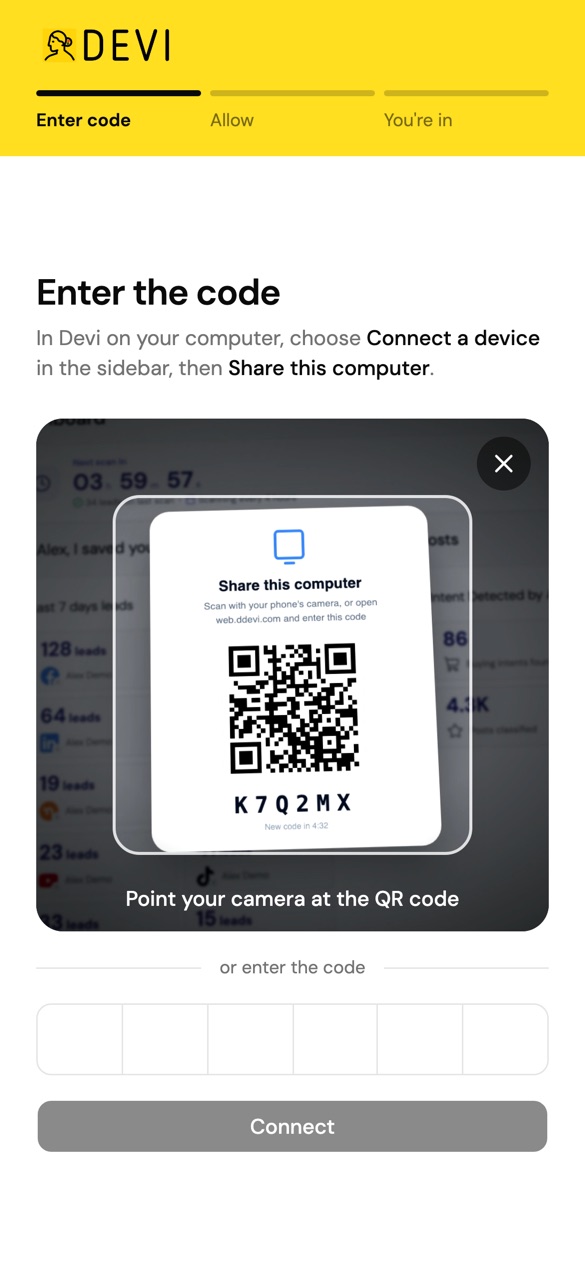
Open Devi → Connect a device
Scan the QR code or enter the connection code.
Done.
Share this computer
Scan with your phone or enter the code at web.ddevi.com
K7Q2MX
Works once, expires in 5:00
Your data stays on your computer
Devi still runs from the original browser.
Connected devices securely access that workspace without moving your social accounts, passwords or local Devi data.
You decide who gets access — and can remove it anytime.

Monitora parole chiave per trovare lead e fare outreach con AI.Brevetto in attesa
Resources
AI Lead Generation Assistant
Tutti i diritti riservati © Devi AI LLC 2026